

Z-Image-Art
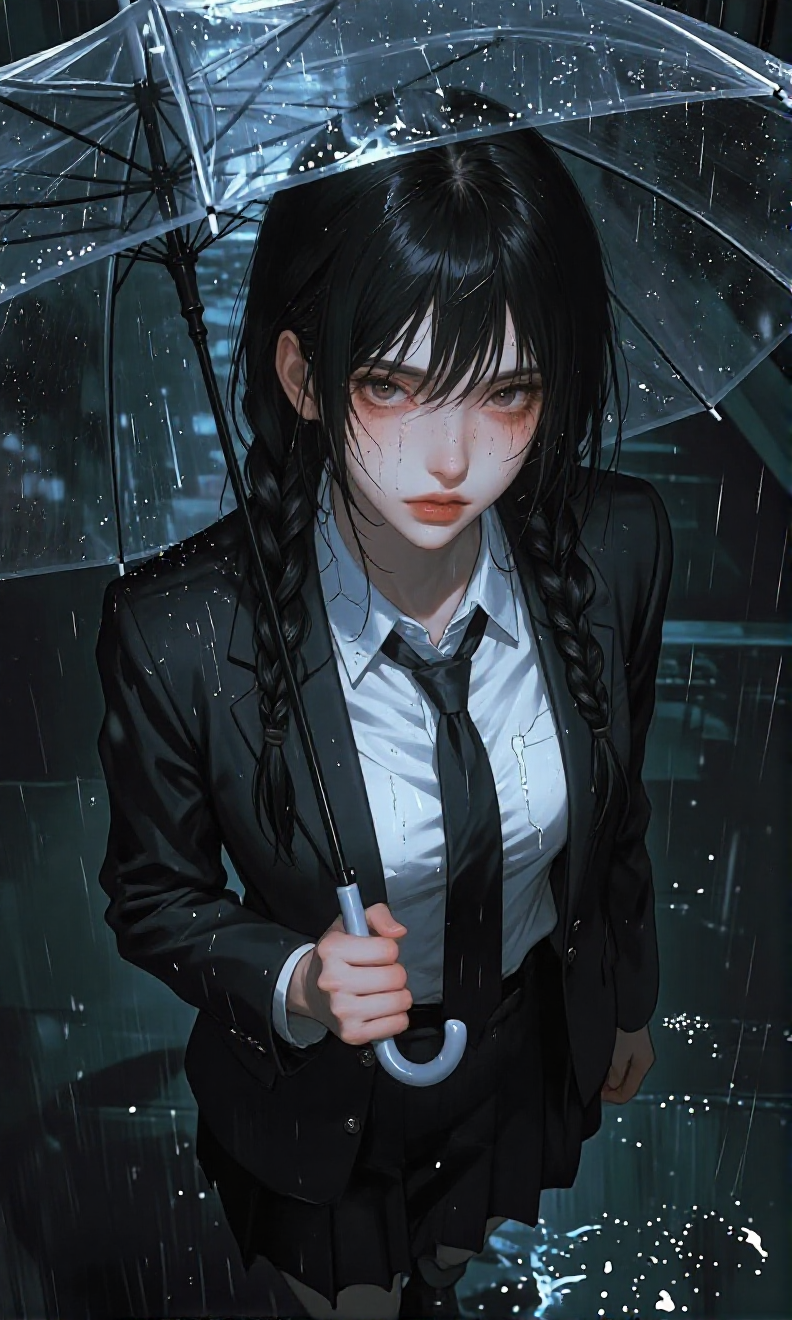
- Prompt
- -
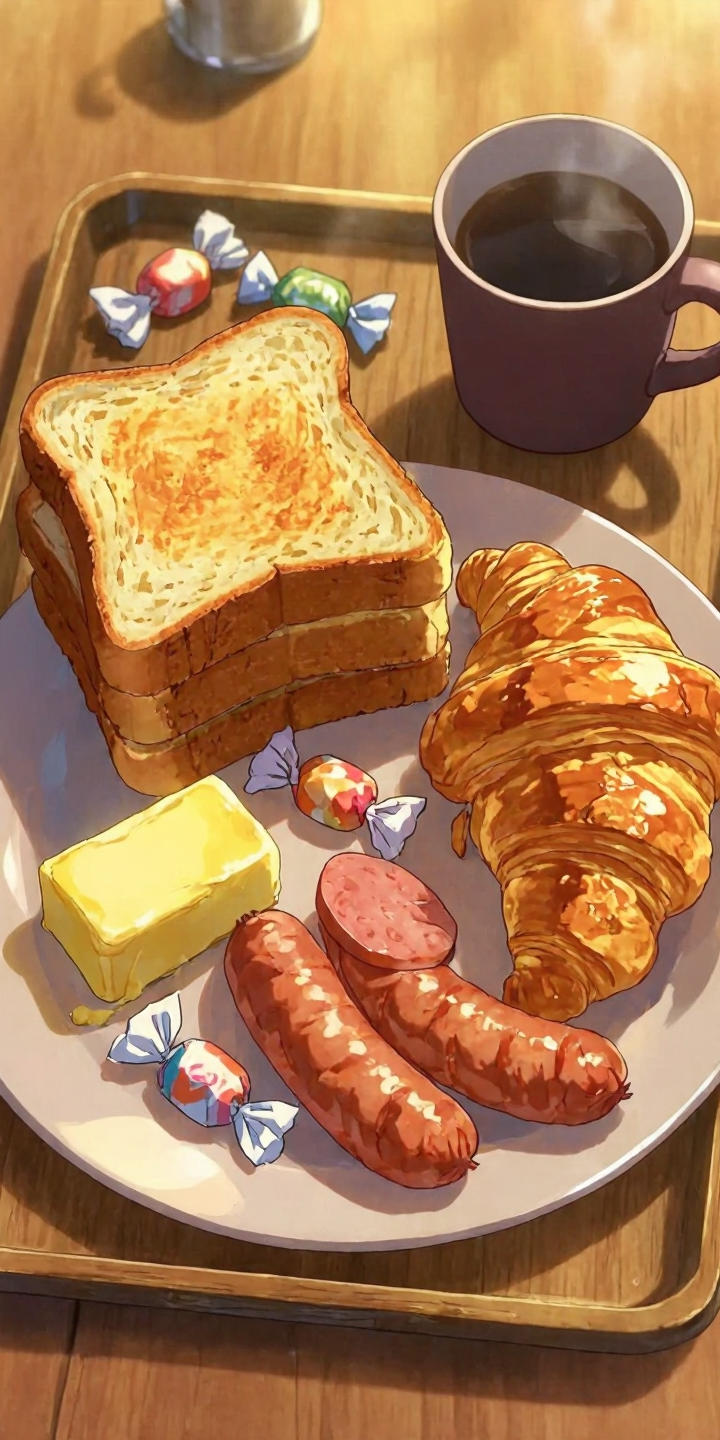
- Prompt
- -
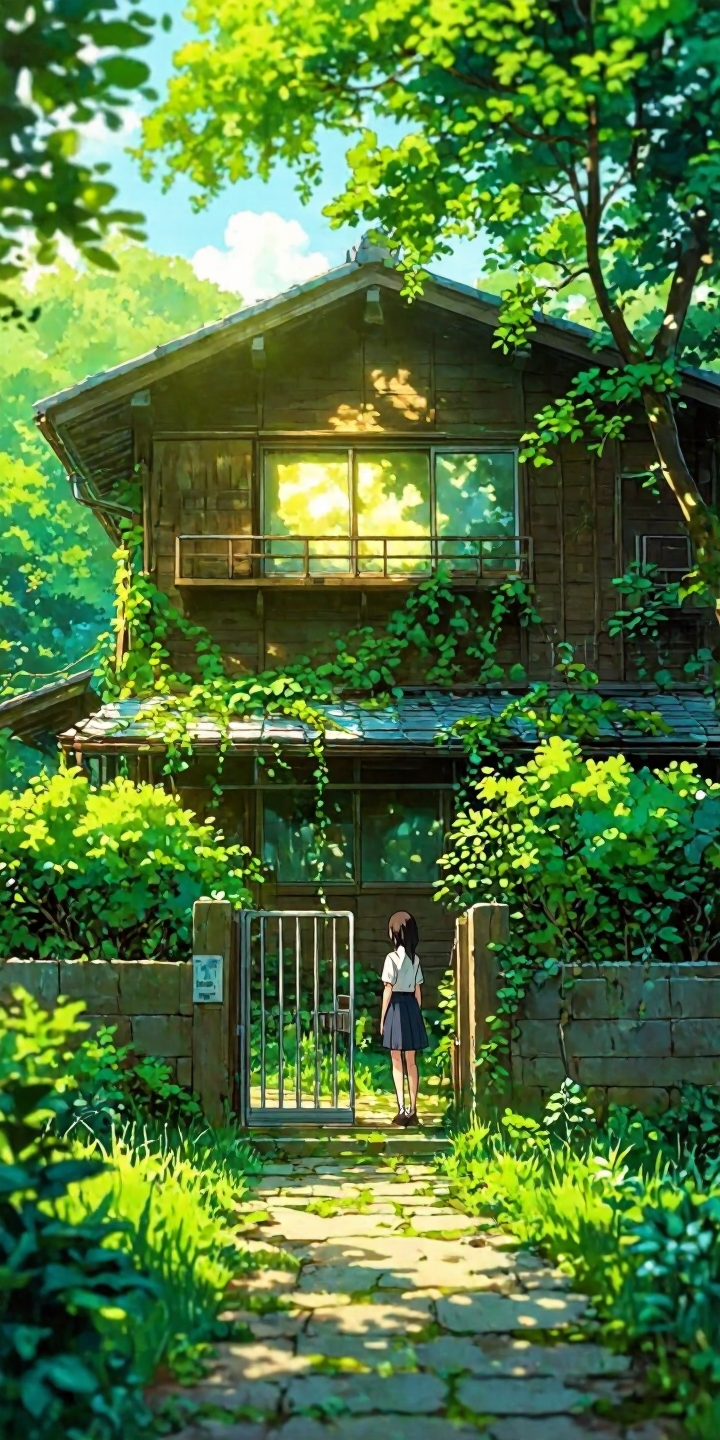
- Prompt
- -
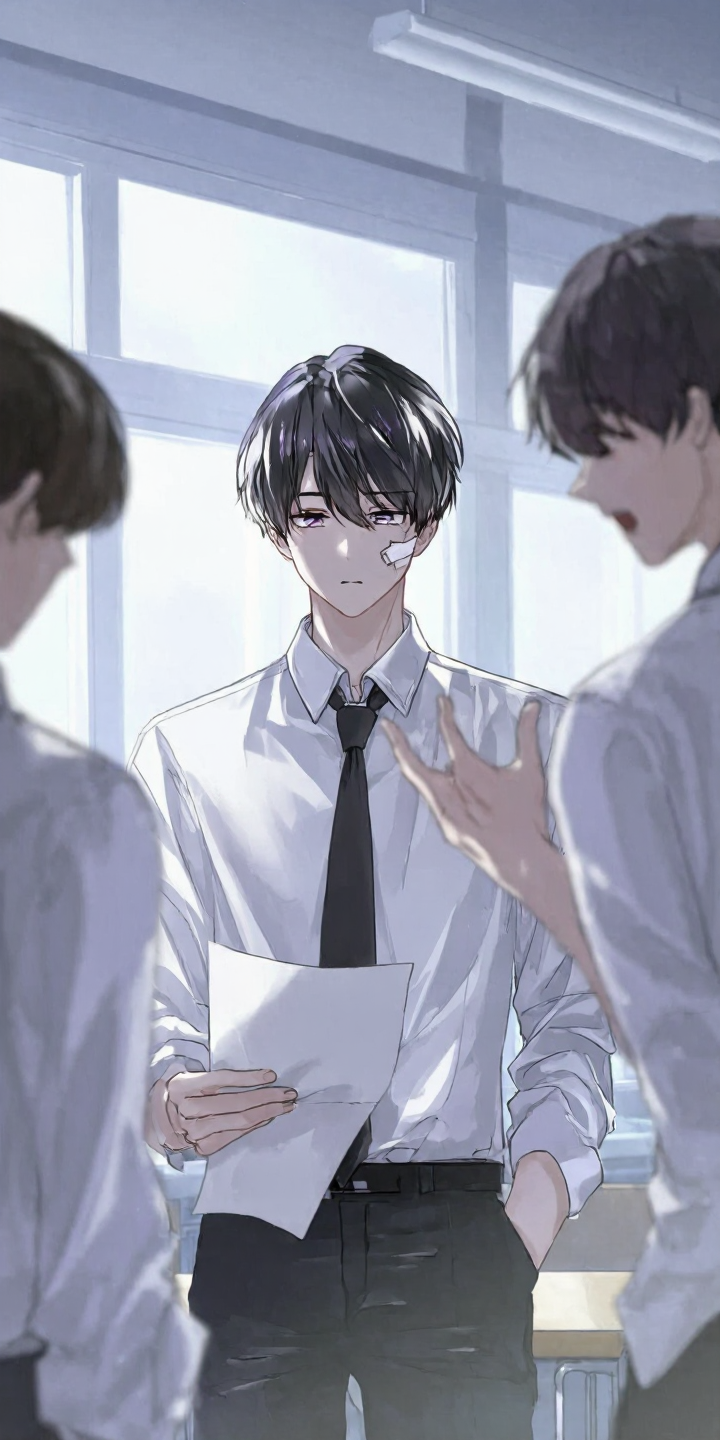
- Prompt
- -
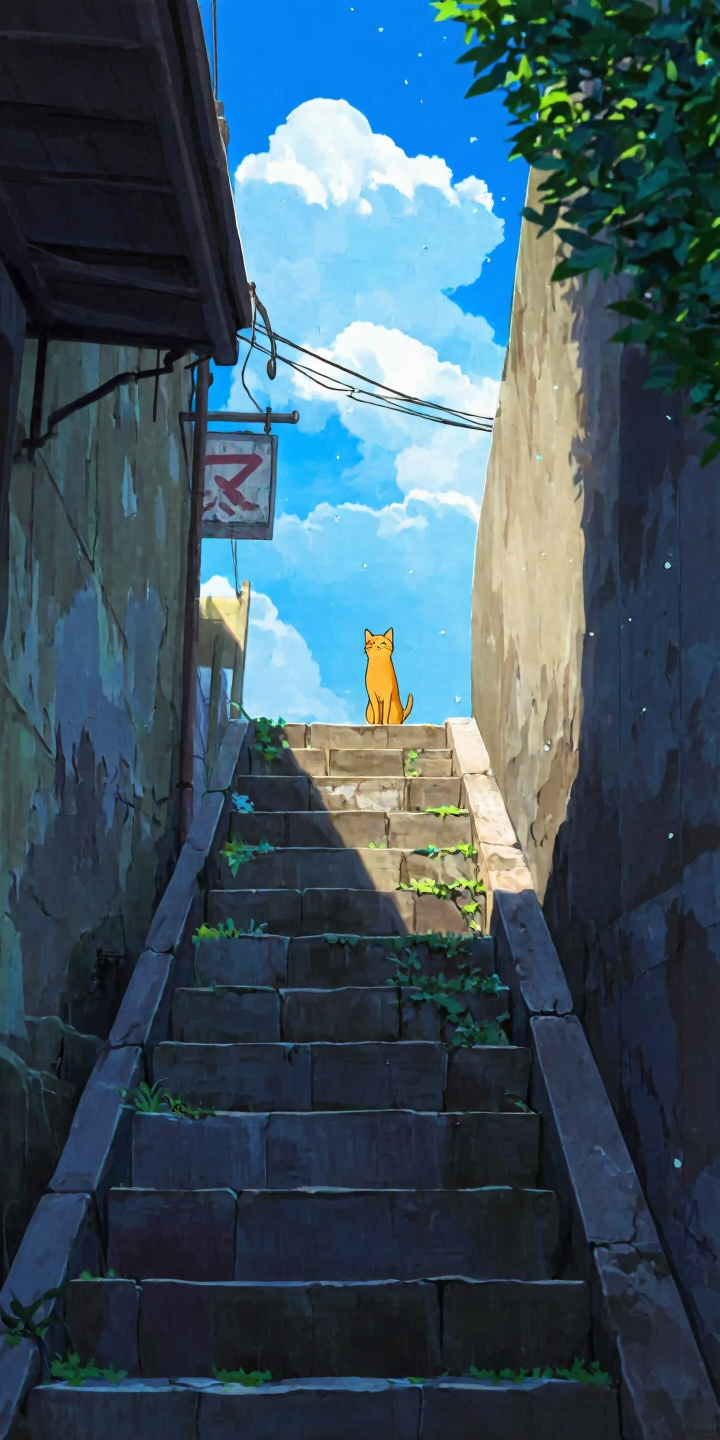
- Prompt
- -
Z-Aesthetic-Pro-v1_15.safetensors
This is the best LoRA in the list. It improves any style, including anime, art, webtoon, and realism.
Wallpaper_20.safetensors
This is for generating images with wallpaper quality and aesthetics. It boosts overall color and composition.
Z-Aesthetic-2_25.safetensors
This is an aesthetic enhancer that adds more variety to the styles.
Z-Art-3.safetensors
This is an aesthetic enhancer that has more training and works better than version 2.0.
Z-Art-2.0.safetensors
This is a normal aesthetic enhancer with less intensity.
- Downloads last month
- 158
Model tree for bunnycore/Z-Art-2.1
Base model
Tongyi-MAI/Z-Image